Backup and restore
Backups of what Keydra can read, sent somewhere that is not this machine, optionally sealed so that not even the instance that wrote them can read them back.
What is backed up, and where it goes#
What is backed up#
Not the RDB file. A snapshot is the server writing its own memory to its own disk, inside its own container, and Keydra has no filesystem there — the Snapshot now button on the server settings page asks the server to do it, and the file stays where the server put it.
What Keydra can back up is what it can read: the keys, their values and their expiries, written in the same shape the import reads. That is portable across Redis, Valkey and anything else behind the same engine, and it restores through a path that already exists.
The export is streamed and compressed. A keyspace as JSON is large, and every destination is billed or throttled by the byte.
Where it goes#
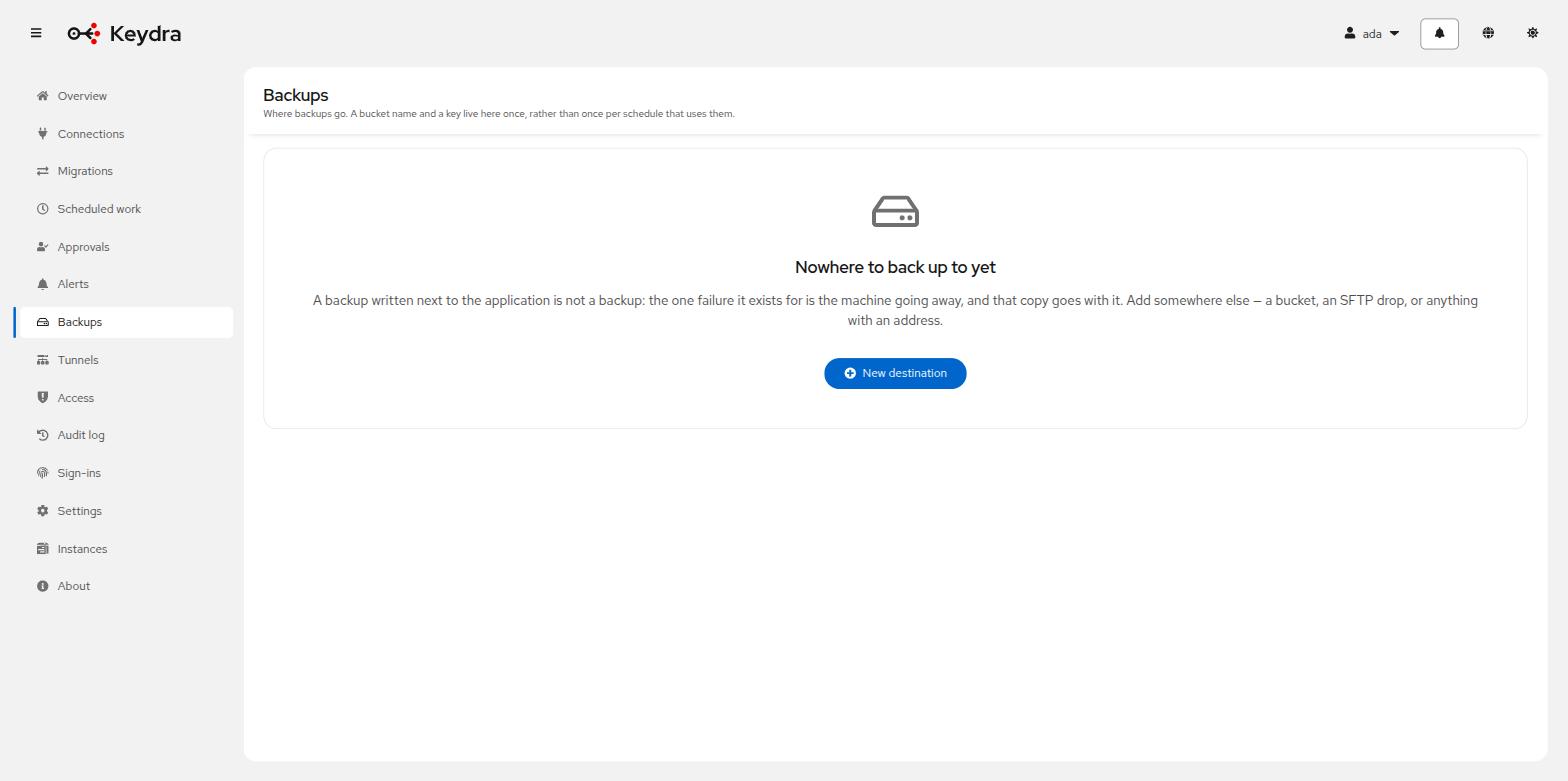
A destination is a thing, not a string: a name, a kind, a location and credentials, configured once and pointed at by any number of schedules. Otherwise every schedule carries its own copy of a bucket name and a secret key, and rotating the key means editing all of them.
| Name | Description |
|---|---|
|
A directory on the machine Keydra runs on, which is also how a mounted share is reached. Convenient, and no protection against that machine going away. |
|
S3 and everything that speaks its API: MinIO, Cloudflare R2, DigitalOcean Spaces. |
|
A container in an Azure storage account. |
|
A bucket in Google Cloud. |
|
Over SSH, with a password or a private key. |
|
Plain FTP, or FTPS where the server offers it. |
|
Anywhere reachable by an endpoint address — a message queue, an HTTP endpoint, a mail server, another storage service. Write only: a backup can be sent here and cannot be listed, restored or pruned. |
Somewhere else is write-only, and says so — on the form, in the list, and in the refusal if something asks it to list. Which components can also be read from is a property of each one, and an address that is arbitrary cannot be promised more than the one operation every sender has.
A destination can be reached through an SSH tunnel, for a drop or a store on the far side of a jump host. Not the public clouds: a forwarded port reaches a host and a port, and AWS, Azure and Google are named by an address inside a certificate.
Retention#
An export job carries a Keep the last count: keep the last n, delete what falls off the end. A backup job that never deletes is a bucket that grows until somebody notices the bill.
Adding a backup destination#
-
You hold
backup:manage. An administrator’s: a destination carries credentials to somewhere outside Keydra.
-
Go to Backups.
-
Click New destination.
-
Give a Name and choose the Kind.
-
Complete where it is. What is asked depends on the kind — a Bucket and Key prefix for S3, a Host, Port and Remote directory for SFTP, a Directory for a local one.
-
Complete Getting in. For S3, leaving Access key id empty uses the machine’s own credentials — an instance role or a mounted service account.
-
For anything that is not AWS itself, give the Endpoint and tick Address the bucket by path.
-
Optionally choose a tunnel under Reached through.
-
Choose How backups are sealed.
-
Click Save, then Test it.
Test it writes a small file and deletes it, and reports "<name>" works or "<name>" did not work. The moment to find out a destination does not work is while somebody is looking at it, not at three in the morning three weeks later.
Address the bucket by path is needed by nearly everything that is not AWS. Without it a
MinIO on an IP address is looked up as bucket.10.0.0.4, and the failure reads as a DNS
problem.
Encrypting a backup#
A backup is every key and every value. Without encryption it lands as a plain compressed file wherever it goes, and "the bucket is private" is a sentence about access control rather than about what is in the file.
How backups are sealed offers three answers.
- Not encrypted
-
The default. The interface says plainly what that means.
- With a passphrase
-
AES-256-GCM in authenticated frames, with the key derived from the passphrase by Argon2id and a salt stored in the file’s own header. The passphrase is stored the way every other secret is — encrypted, never returned.
Warning:WarningWrite the passphrase down somewhere else. Backups written with it cannot be read without it, by anyone, Keydra included. That is what it is for, and it is also how a backup is lost.
- To keys
-
A list of recipient public keys. Keydra holds only the halves that encrypt, so it can write a backup every night and cannot read one back — and neither can whoever takes the server, because the halves that decrypt were never there. Restoring asks for one of the private halves, uses it for that one restore, and keeps nothing.
Keydra can generate a pair. The private half is shown once and is written nowhere: not to the database, not to a log, not to the response of any other request.
A destination carries a passphrase or a list of keys, never both: a place has one way in, and two would be a question about which one a given file used.
More than one person can open it#
A list rather than one key, because one recipient means the person holding that private half is the only person in the world who can read a year of backups. They leave, they lose the password manager, they are on a plane on the morning the cache is empty — and "encrypted at rest" becomes "gone", which is the failure the encryption exists to prevent, arrived at from the other side.
Sharing the private half is worse than the problem: a secret two people hold is a secret with no owner, and it cannot be taken back from one of them.
Each key on the list has a name — Ada’s key, the safe, offsite — because removing one means knowing which one, and the rest is forty characters of base64.
Adding a key does not make yesterday’s backups readable by it. A file carries the keys it was written to, and nothing rewrites a file that has already been sent. A key added today opens the backups taken after today.
Removing the last key is the same misunderstanding from the other side: it makes nothing unreadable, it stops the next backup being sealed at all.
The format is written down#
An encrypted backup only Keydra can read is not a backup, it is a hostage.
scripts/keydra-decrypt.py ships in the repository, takes the file and the secret — a
passphrase or a private key — and prints the keys, importing nothing from the application.
Encryption is framed rather than one stream, deliberately. A single GCM stream cannot be
both memory-bounded and safely readable: Java’s CipherInputStream reports a failed tag as
end-of-input, which is a truncated restore that looks like a complete one. Each frame
authenticates its own contents and its position, and the file ends with a marker, so a
truncated or rearranged backup is refused rather than half-restored.
Taking a backup and restoring one#
-
transfer:exporton the target to take one,transfer:importto restore. -
A destination exists.
To take one now:
-
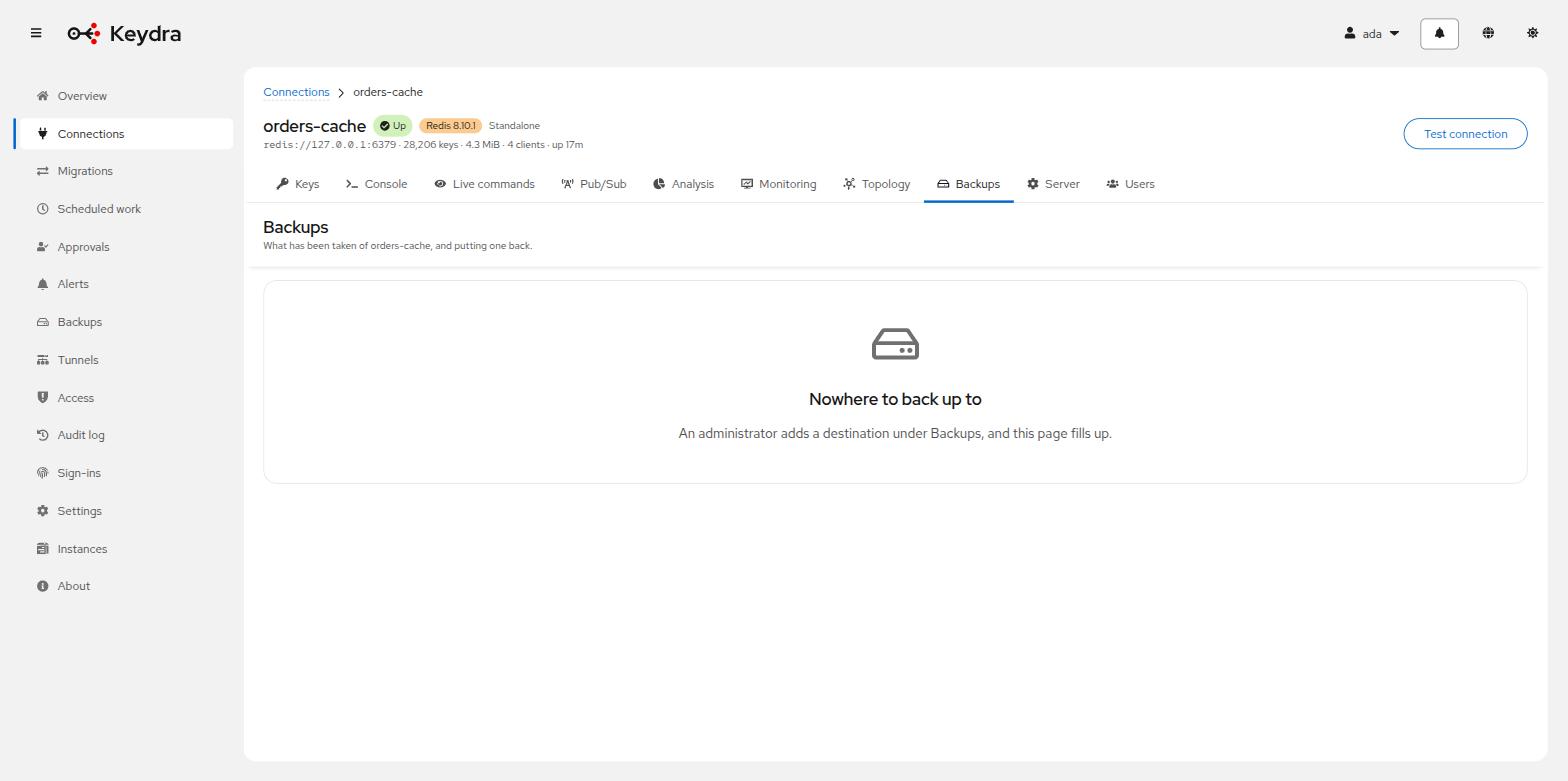
Open the target and go to Backups.
-
Choose the Destination.
-
Click Back up now.
-
Optionally narrow with Keys matching, set a File name prefix, and choose Keep the last n.
-
Confirm.
To restore one:
-
On the same page, find the file in the list. Each row shows File, Size, Written, Taken from and Taken at.
-
Click Restore.
-
Decide whether to Overwrite keys that are already there. This is off by default: a restore usually goes into a store that has moved on since, and quietly overwriting the newer data is the one outcome nobody wants by default.
-
If the destination seals to a key, supply the Private key. It is used for this restore and kept nowhere.
-
Confirm.
Taking one reports Backed up as {name} with how many keys, how large, and how many older files were removed.
Restoring reports {restored} written, {skipped} already there, {failed} refused..
If the file came from a different target, Keydra says so before restoring: It was taken from <from> and you are restoring it into <into>. That is sometimes exactly right — copying production into staging — and sometimes the mistake nobody notices until later.